 TrailMesh7
Rooms and messages
A room is a group with its own AES key. Your phone encrypts a message before the radio ever sees it, so only the phones you invited can read it — everyone else on the mesh sees an undecodable blob.
Rooms live in the app, not in the tag. Two tags on their own will never form a room, and nothing about a room changes while no phone is running TrailMesh7.
Making one
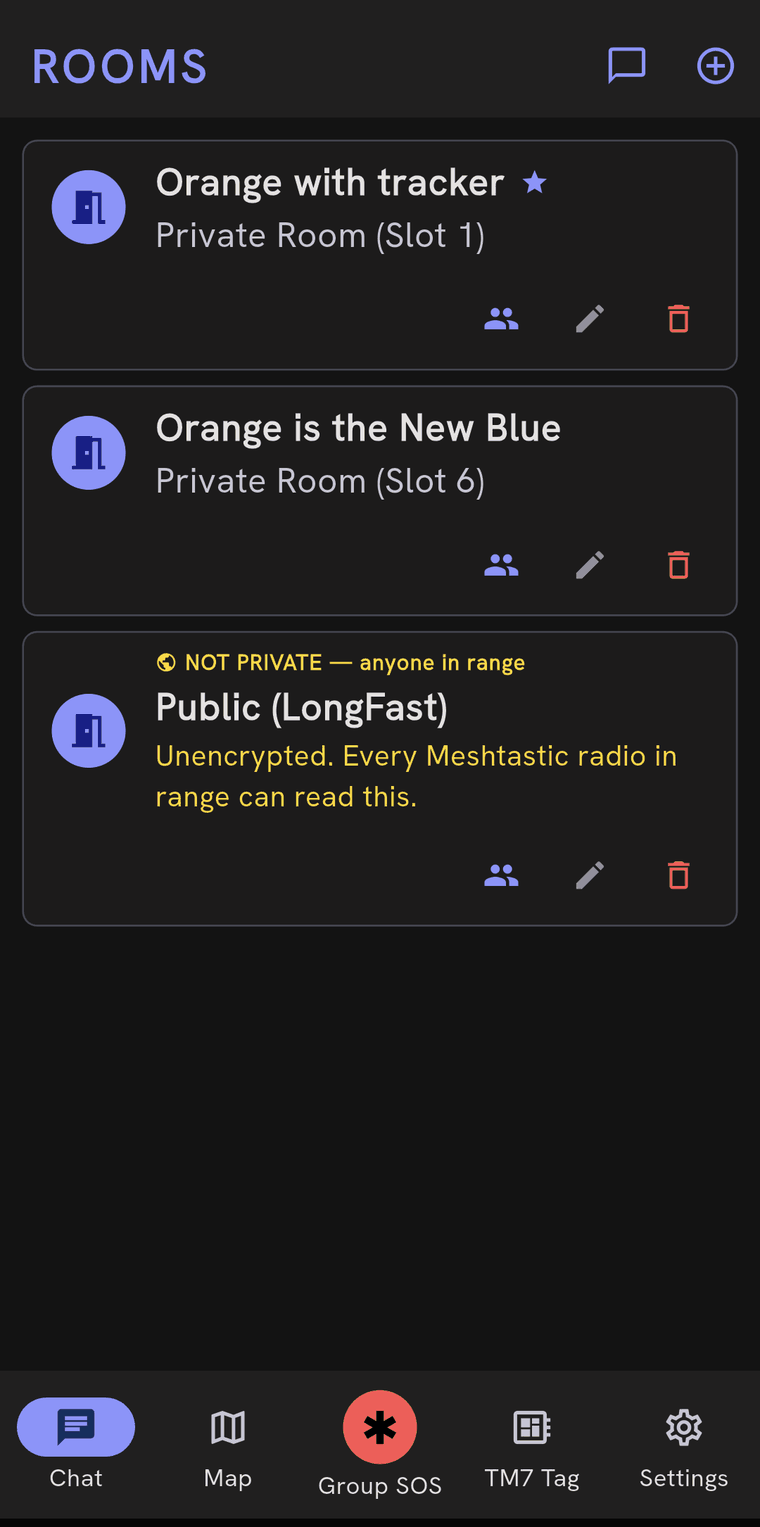
Chat → the + button → give it a name. That is the whole thing. You are the owner of the room you create, which matters later: only the owner can invite people or remove them.
Each room gets a slot number, shown as Private Room (Slot 3). The number is
agreed across every phone in the room, so it is not cosmetic and the app will
never renumber a room to tidy up a gap.
You can hold up to 255 rooms at once. Long before that, the practical limit is how much traffic the mesh will carry.
Inviting people
In the Chat list, tap the members icon on the room’s row. The sheet lists everyone currently in the room, marks the owner, and has three ways to add someone:
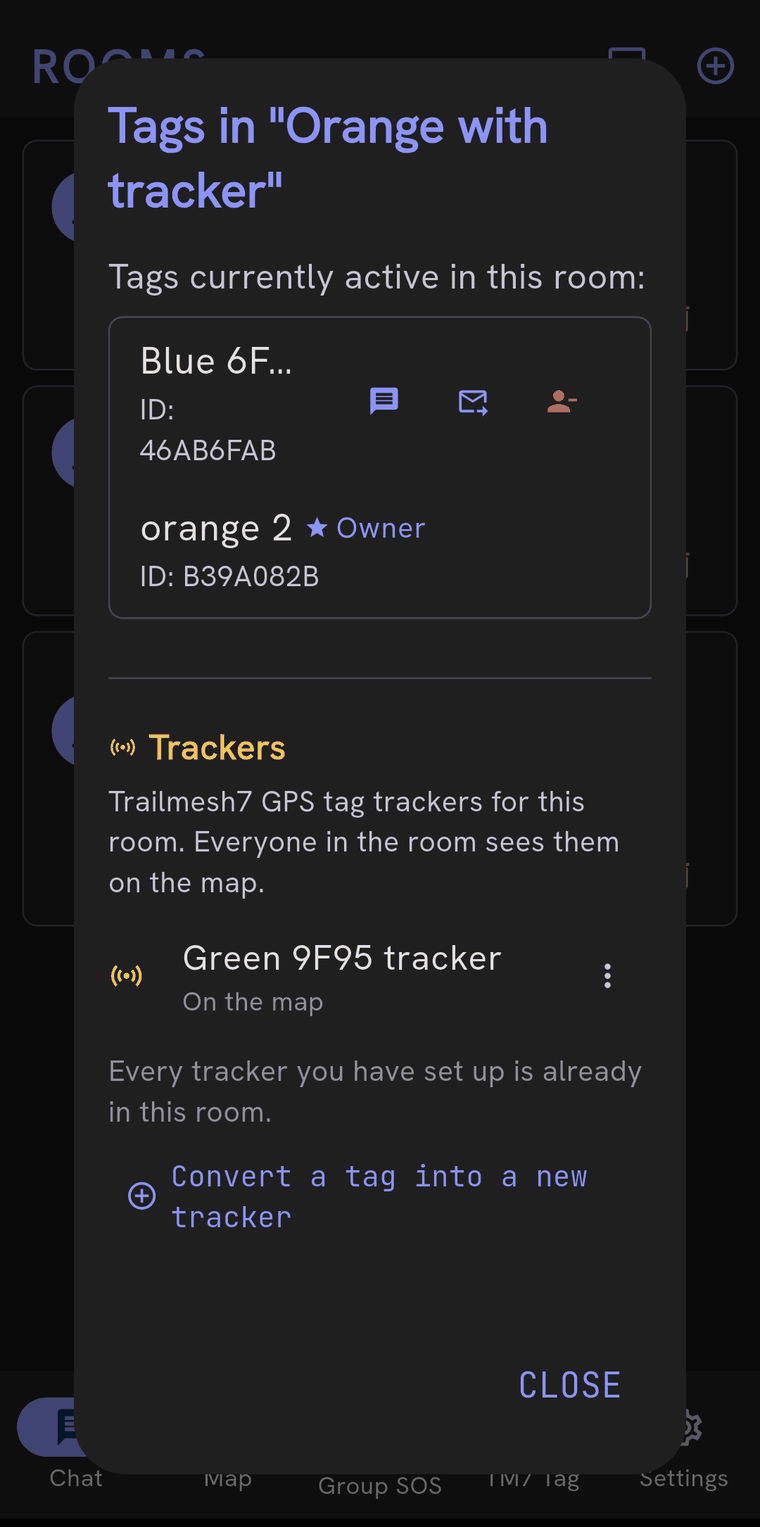
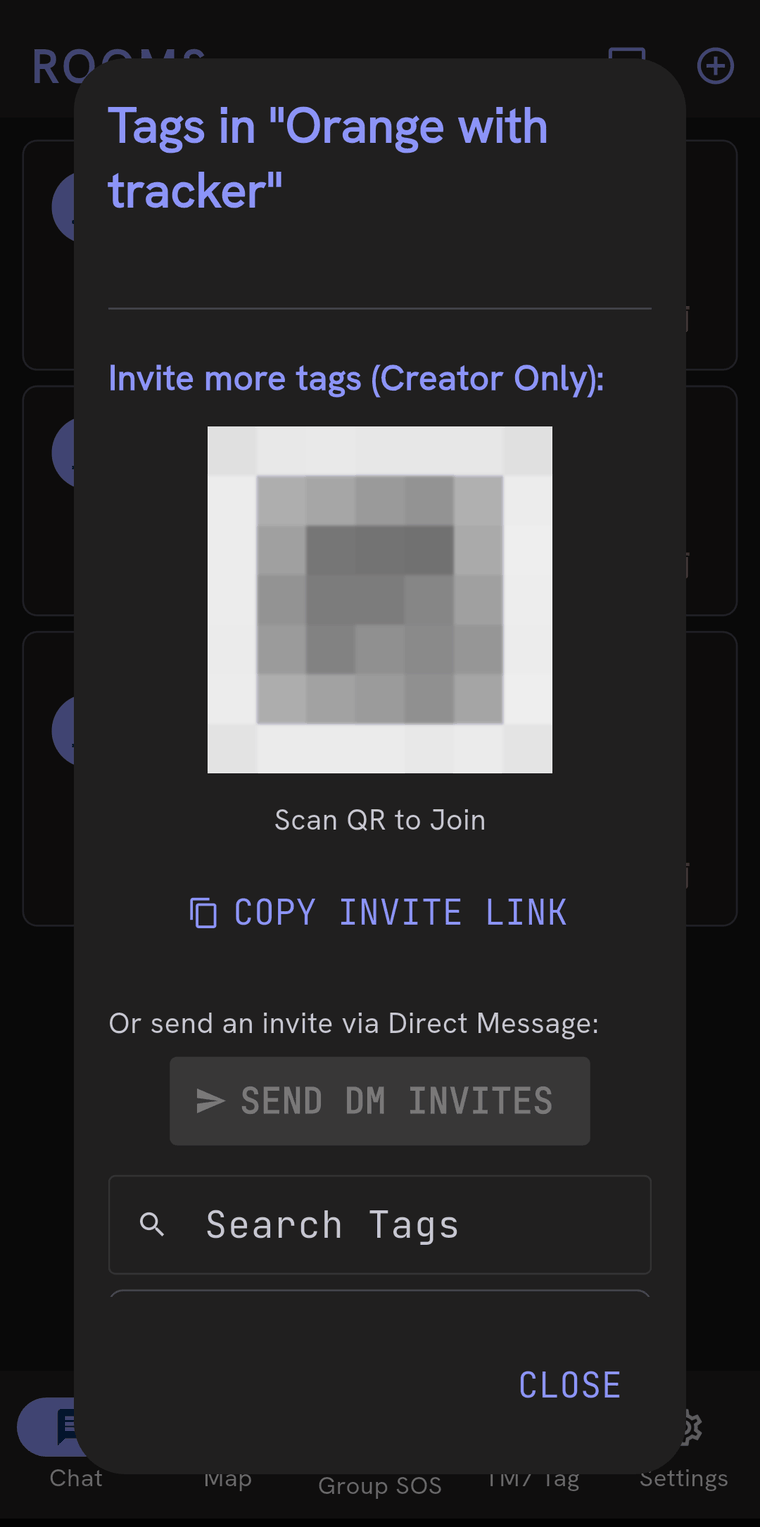
- Scan QR to Join — put the code on your screen and have them point their camera at it. No radio involved, so it works before the tags can hear each other.
- Copy invite link — puts the invite on the clipboard to send however you like. It is the same payload the QR code carries, so treat it as the key it is.
- Send DM invites — pick tags from the list and the invite goes over the mesh as a direct message. This is the one to use when everybody is already out there.
At the other end an invite arrives as a prompt naming the room, with accept and decline. Accepting adds the room at the same slot number everyone else is using.
Sending messages
The compose row at the bottom of a room has a text field, a microphone and a send button. The microphone is tap-to-start and tap-to-stop, deliberately not press-and-hold, because holding fights with text selection and is hopeless with gloves on. More on dictation.
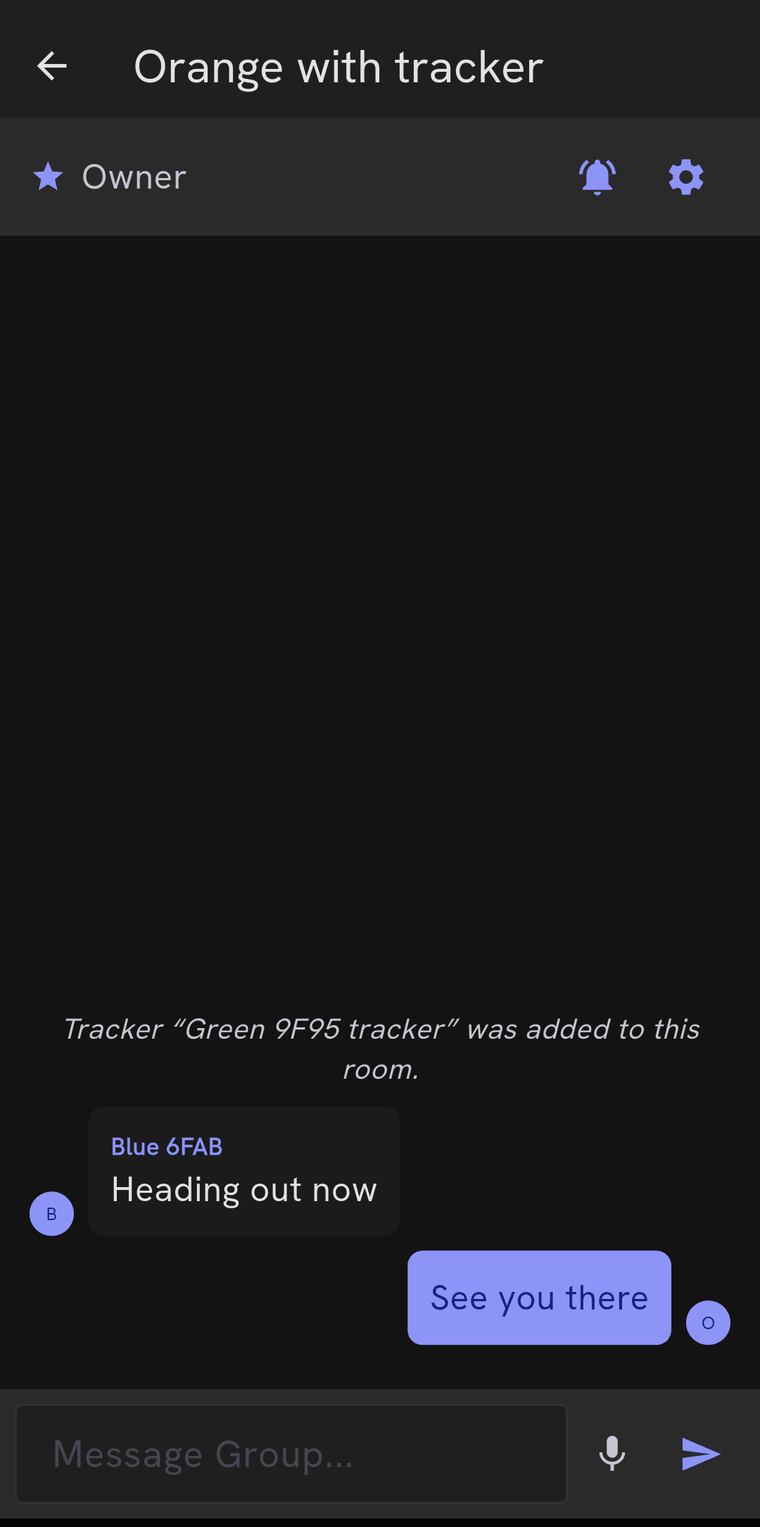
One message is one radio packet. That caps a message at about 180 characters, and the app will trim a longer one at a word boundary and tell you it did — Trimmed to fit one mesh packet. It does not split messages across packets on purpose: splitting triples the airtime, and packets can arrive out of order, which turns a clipped sentence into a scrambled one.
Whether it arrived
Room messages are not acknowledged. They go out to everyone at once, and no receipt comes back. The app does not pretend otherwise: there is no tick, and no news is not good news.
Direct messages, invites and rotated keys are acknowledged by the radio, and those are the ones that can show a red Not delivered under the message when the radio has exhausted its retries. It is said against the message itself rather than as a banner, because “a message failed” is no use without knowing which.
Direct messages
The new direct message icon at the top of the Chat list opens a searchable list of tags your tag has heard from. Pick one and you get a private one-to-one conversation with them.
Direct messages use the radio’s own encryption between the two tags rather than a room key, and they take a different path through the mesh than a broadcast does — which is why “DMs work but the tag is invisible to everyone” is a specific, diagnosable fault rather than a contradiction.
Trackers do not appear in this list. The firmware marks them unmessagable, so there would be nothing at the other end.
You can delete a DM conversation’s history from the list — it removes it from this phone only.
Running a room you own
In the room’s title bar:
- The bell mutes and unmutes notifications for that room. Muting is local to your phone and does not affect anyone else.
- The gear menu — owner only — has Reset Member Access, which generates a new room key and gives it to the current members. Anyone who was removed is locked out from that moment on.
In the members sheet you can re-send an invite to someone who never got one, and remove a tag from the room. Removing rotates the key automatically: the app says Room key rotated, and the new key goes privately to everyone who is still in.
The same row has rename and delete. Deleting removes it from your phone; if you are not the owner, the room carries on without you.
When you do not own the room
You can read, write, mute, and leave. Inviting, removing and renaming belong to the owner. This also shows up in less obvious places — a tracker you convert back to a normal tag will leave the tracker rosters of rooms you own, and the app will name the rooms it could not edit so you can ask their owners.
Blocking someone
TM7 Tag → Tags and Trackers → the tag’s ⋮ menu → block. A blocked tag’s messages stop appearing on your phone. It is local to your phone — nobody is told, and nothing changes for anybody else in the room.
One exception, deliberately: a Group SOS always gets through, even from a blocked tag.
The blocked list is under Settings → Danger Zone → Blocked tags.